
What Finch does
Everything here is in Finch now. The short version is on the home page.
Made for the couch
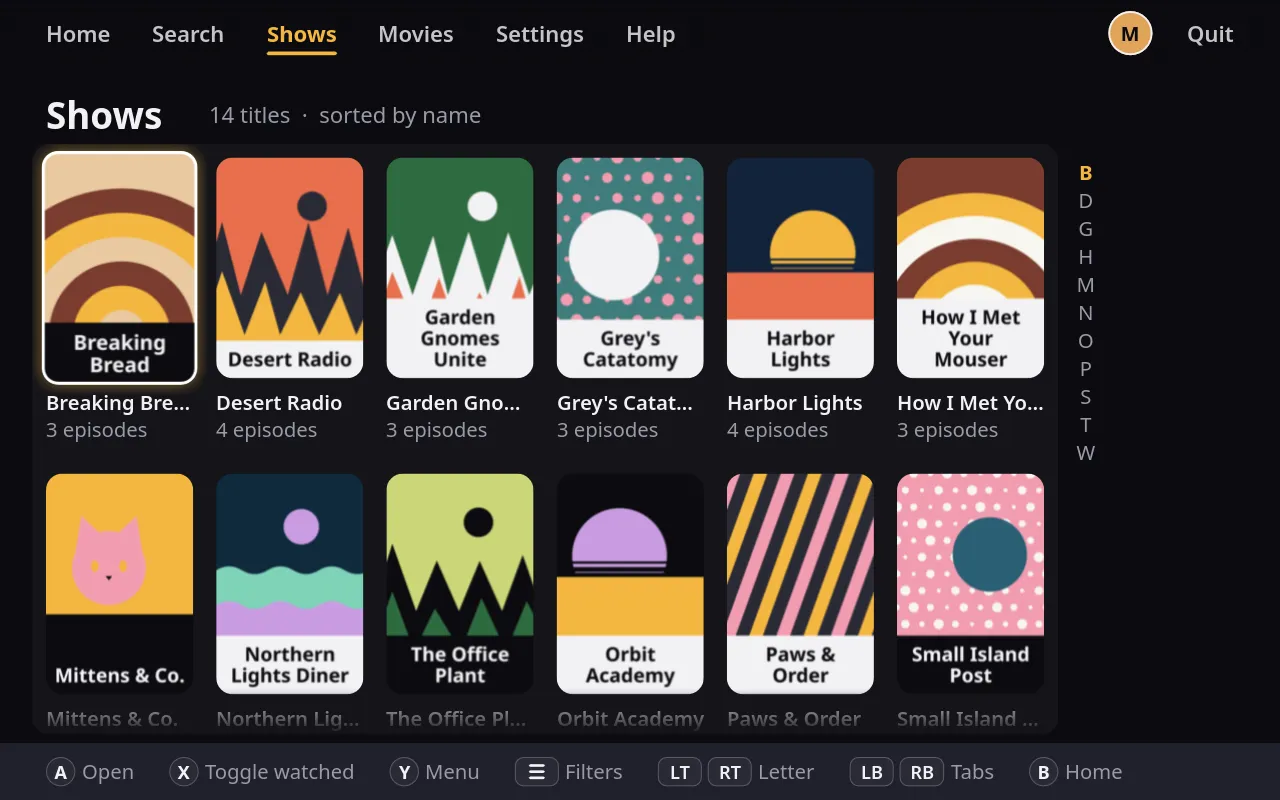
Finch was designed on a Steam Deck, so every screen works with a controller. Press A to play and B to go back. Xbox and PlayStation pads both work, and the buttons Finch draws on screen match the pad you’re holding.
Text and posters scale with the window, so the layout is the same on the Deck’s screen and a 4K TV. Dock or undock and the interface follows on its own.
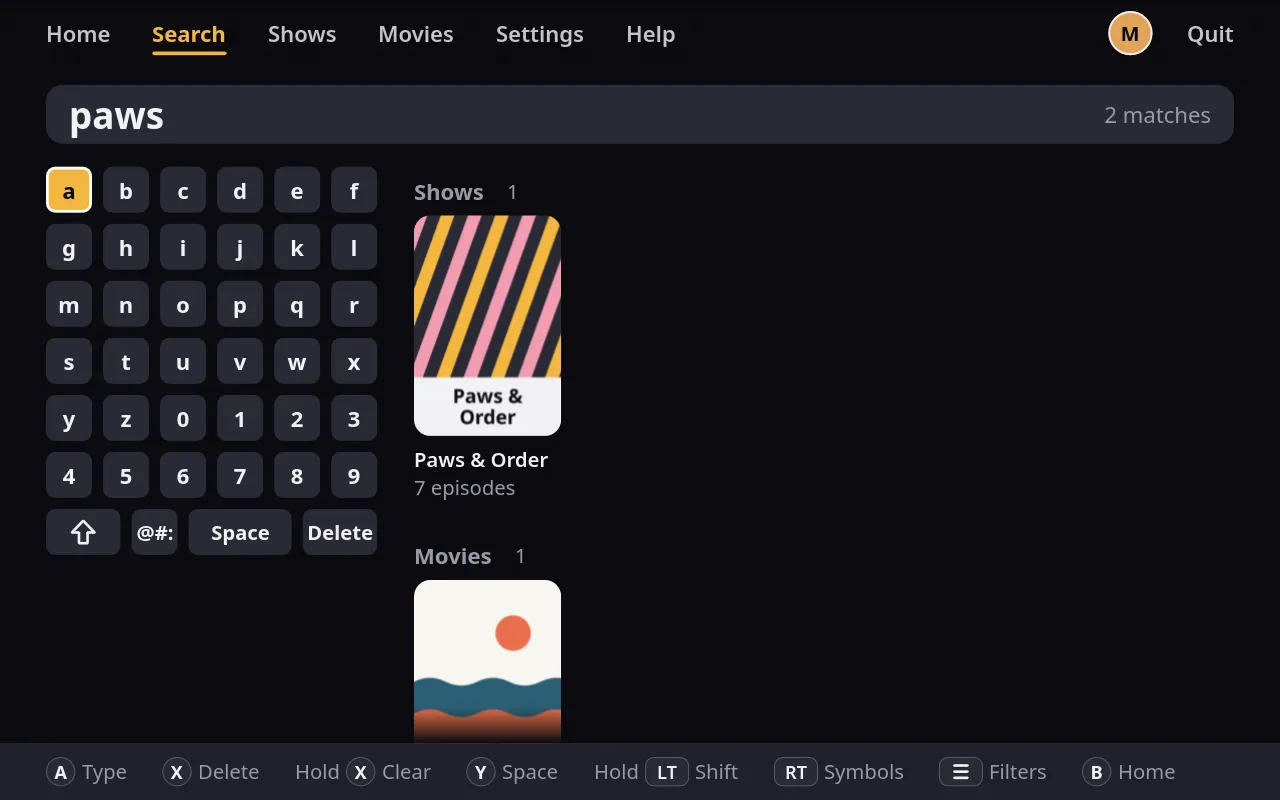
Each profile can move its buttons in Settings. Searching uses an on-screen keyboard built for a controller, in ABC or QWERTY layout, and a real keyboard works too.
Fast, because it's Rust
Finch is written in Rust. On a Steam Deck it opens to your library in under a second, in every one of our test runs.
Video decodes in hardware wherever your system allows it. On the Deck, a 4K HDR episode plays straight from the decoder to the screen without a copy, with no dropped frames in our tests.
There’s no launch splash and nothing to wait for. Browsing stays smooth.
Plays almost anything
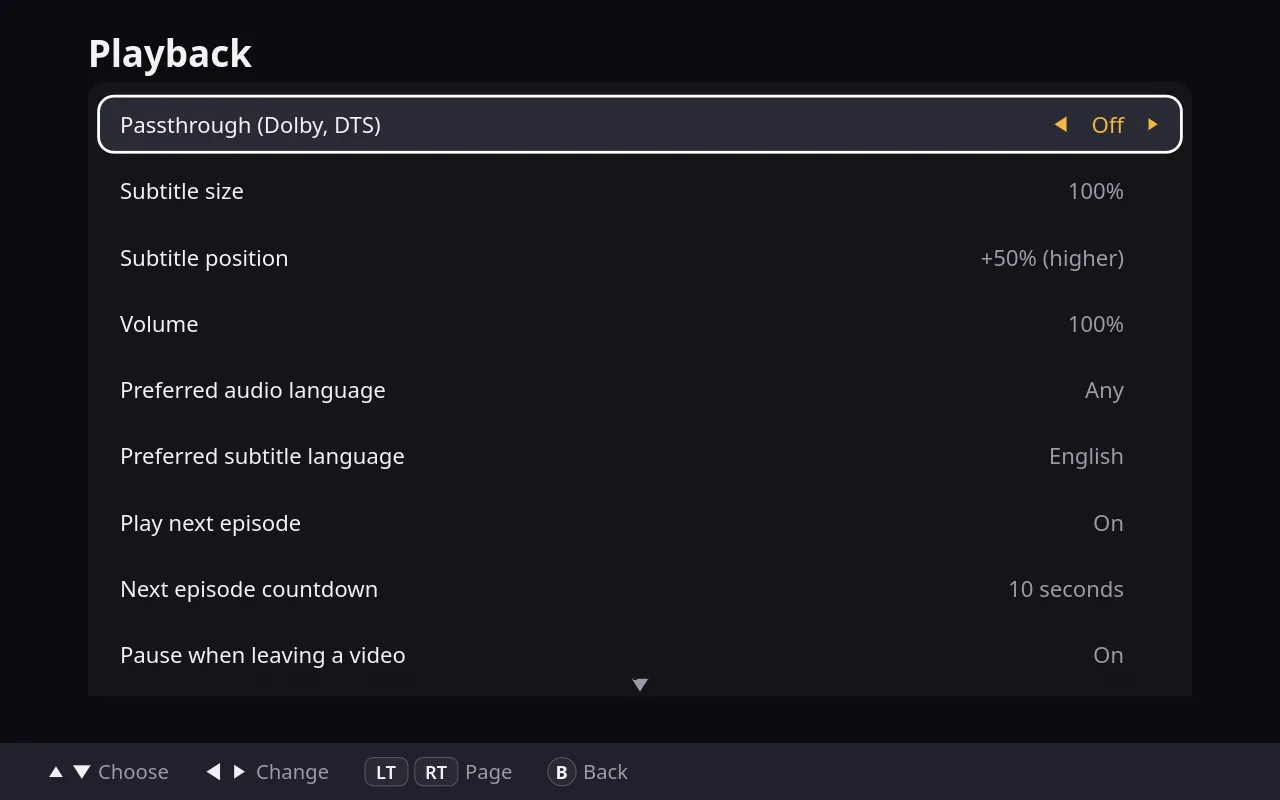
Finch plays through mpv: MKV and MP4, HEVC and AV1, Dolby and DTS audio, and styled subtitles, with hardware decoding where your system provides it.
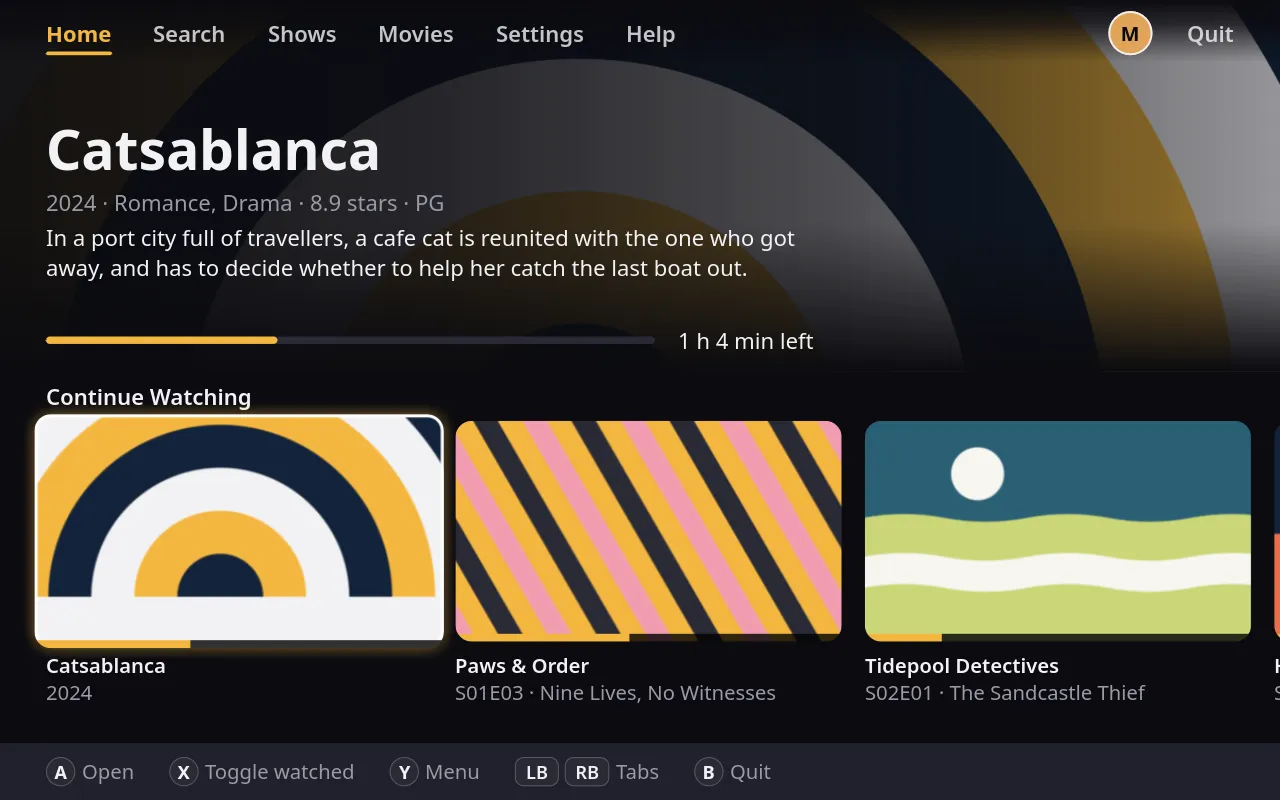
Left and right scrub ten seconds at a time, and the bar marks each chapter. X skips an intro or a recap when the file names its chapters, and LB and RB step to the previous or next episode. Y opens the player menu, for audio, subtitles, chapters, volume, subtitle size and the sleep timer.
Finch remembers where you stopped, every ten seconds, and counts an episode as watched at 90 percent. When one ends, it offers the next with a short countdown, which you can change or turn off.
A library that sorts itself
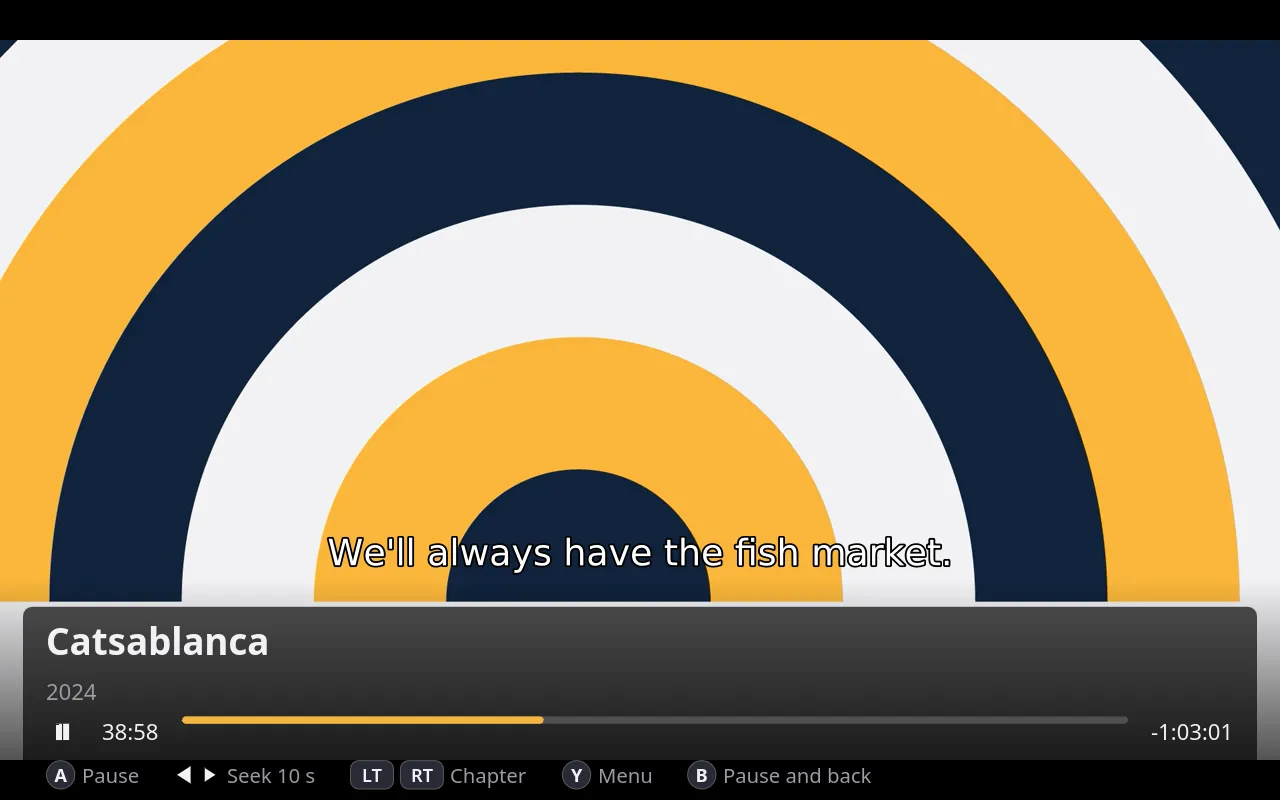
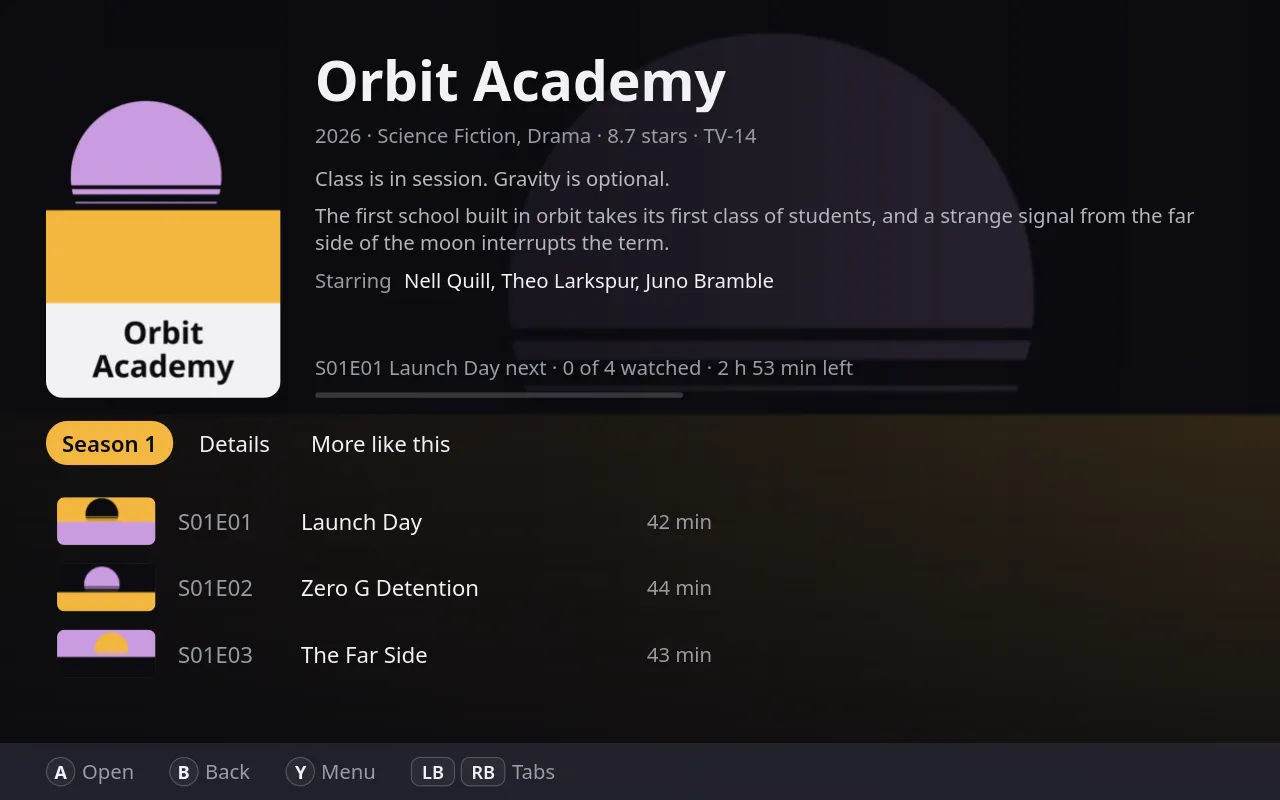
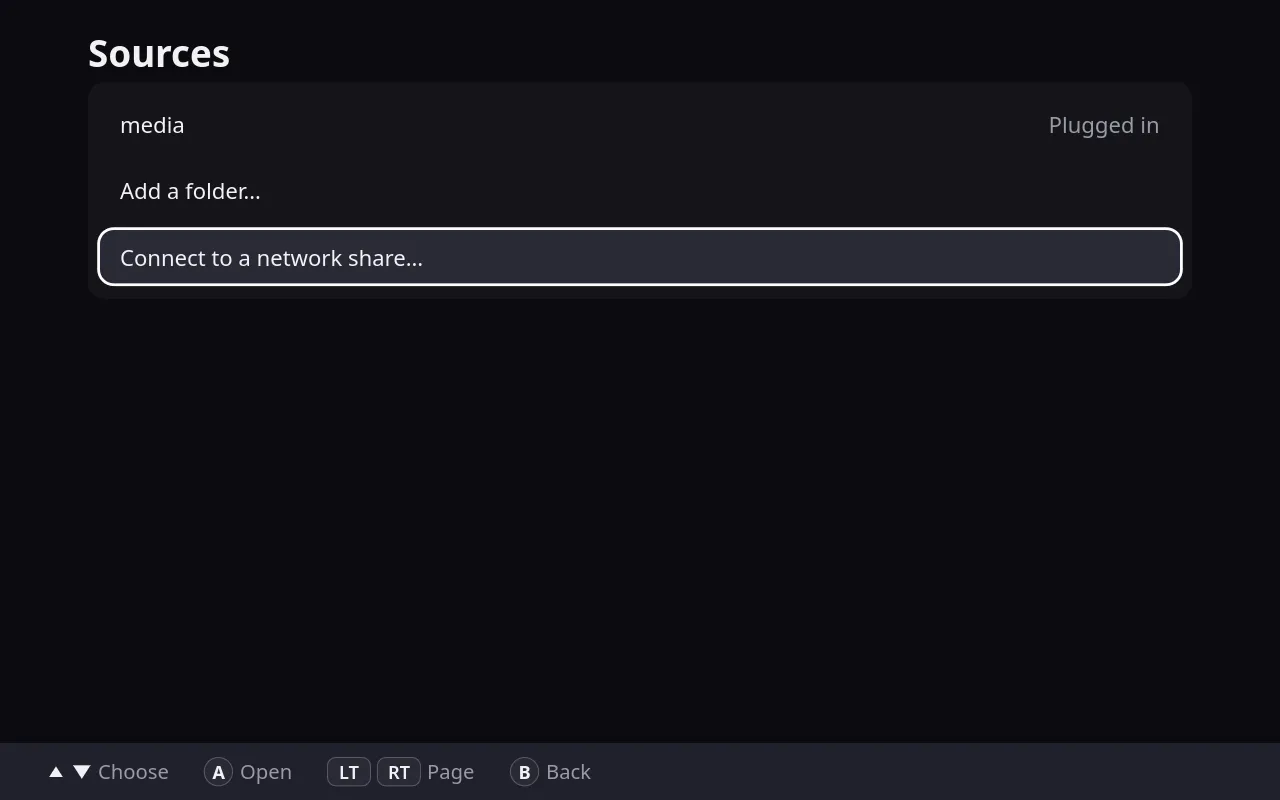
Plug in a drive and Finch offers to add it, once. It sorts your files into shows, seasons, episodes and movies from their names, and anything it can’t place goes under Unsorted instead of disappearing. Game and software folders are left out. When a drive is unplugged, its shows stay in the library, dimmed, until it’s back.
Network shares work too. Add a share your system already mounts, or connect to one by its address, such as smb://nas/media, with SMB or NFS.
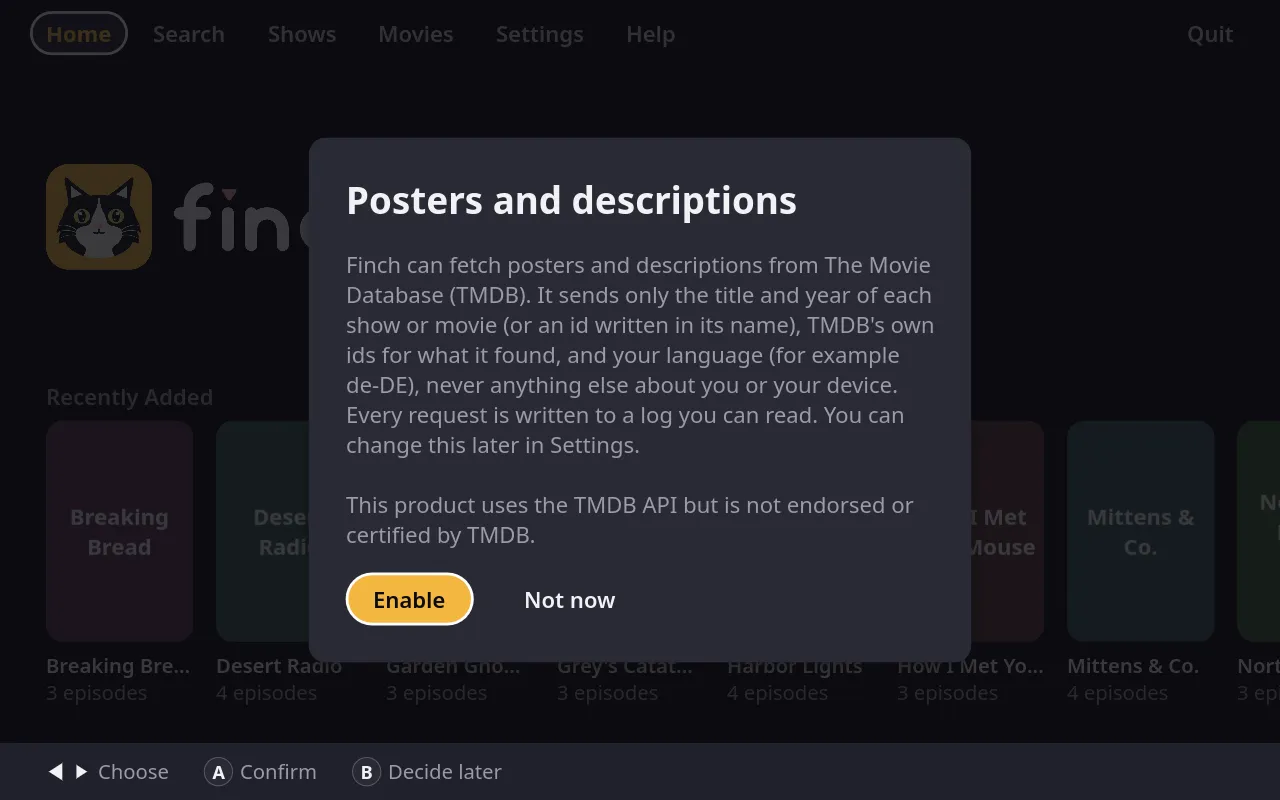
Say yes at first launch and Finch fetches posters, backdrops and descriptions from The Movie Database. It sends only what it needs to find each title, as Private by default explains below. A wrong match can be fixed from the title’s menu, and you can choose your own cover for anything.
This product uses the TMDB API but is not endorsed or certified by TMDB. themoviedb.org
One Finch, the whole household
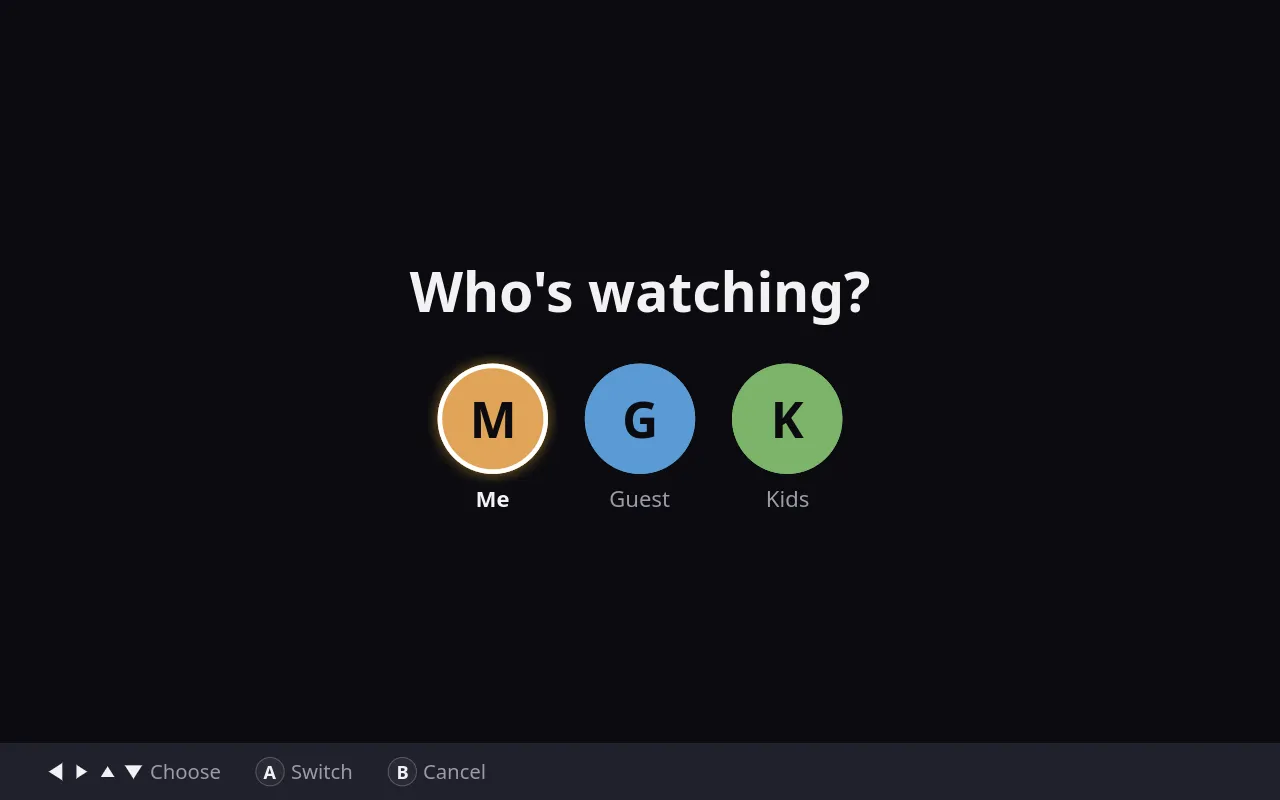
With more than one profile, Finch asks who’s watching when it starts. Each profile keeps its own progress, watched shows, list and buttons.
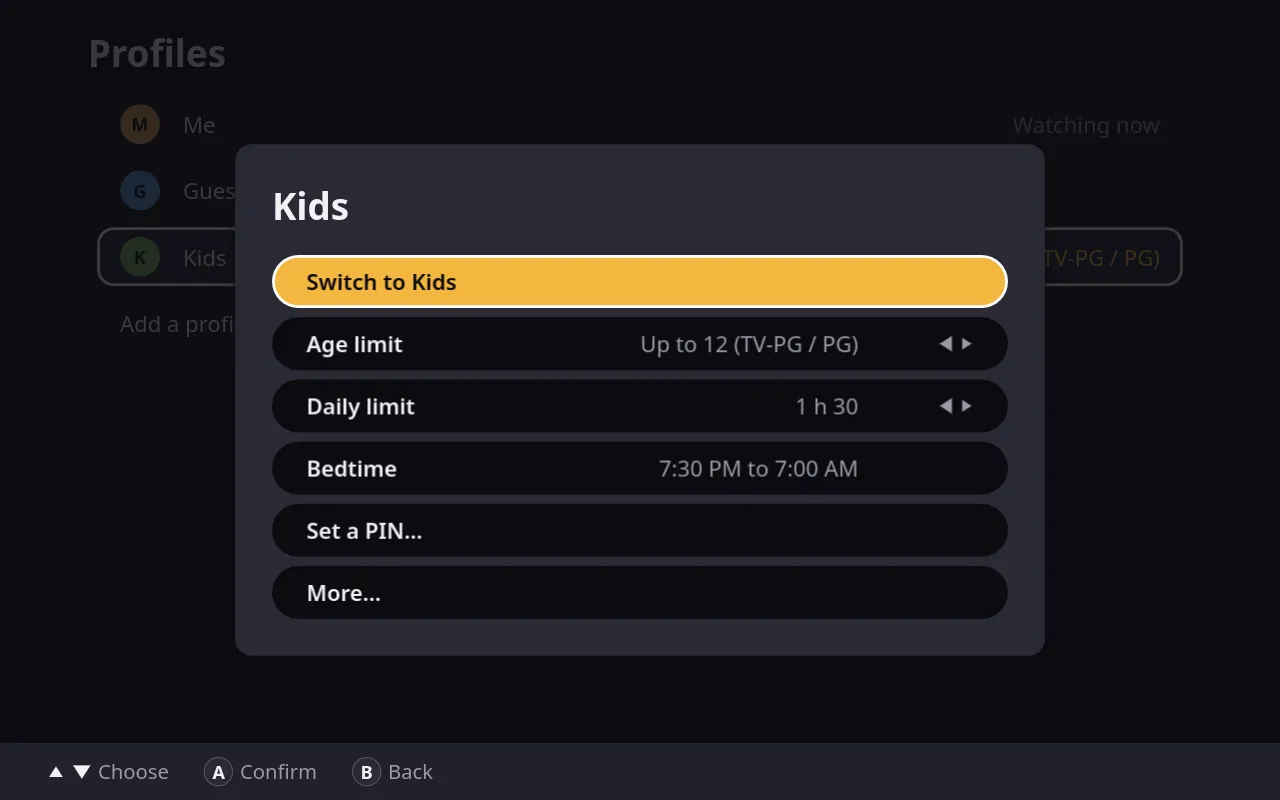
A kid’s profile can have an age limit that hides anything rated above it, and a four-digit PIN that guards Settings. It can also have a daily screen time and a bedtime. Finch warns five minutes ahead, then pauses, saves the place and says goodbye, and the PIN can add 15 or 30 more minutes.
Progress can follow you between devices through a small sync folder. Steam Cloud, Syncthing, Nextcloud or a USB stick can carry it.
Private by default
Finch has no accounts, no ads, no telemetry and no update nags. Your library, history and settings are plain files on your own machine.
It makes no network calls until you say yes to posters and descriptions. Then it talks only to The Movie Database, and it sends only each title and year, TMDB’s own ids for what it found, and your language. Every request goes into a log file you can read.
Finch is open source under the GPL, so anyone can check what it does.
Everything else
- Continue watching and My listHome picks up where you stopped, and keeps a list of titles you set aside.
- Recently addedNew shows and movies show up on Home as soon as they're scanned.
- Film collectionsTwo or more films of one series show as one card, if you like.
- Sort and filterBy name, date added or last watched, and by progress, genre, stars, age rating or drive.
- SearchShows, movies, episodes, extras and loose files, filtering as you type.
- More like thisUp to 20 titles from your own library that are most alike.
- ExtrasFeaturettes, trailers and creditless openings get their own tab.
- Skip intros and recapsOne button, when the file names its chapters.
- Next episode countdownFive, ten, 20 or 30 seconds, or straight on.
- Sleep timerAfter this episode or 15 minutes to 3 hours, with the sound fading out.
- ShuffleA random unwatched episode of a show, then another.
- Hide spoilersPlain tiles and hidden descriptions for episodes you haven't seen.
- Pause on wakeFinch pauses itself when the machine wakes from sleep.
- Your own coversChoose a picture for any show or movie, or use a frame from the video.
- Fix a wrong matchPoint a title at the right show or movie from its menu.
- Sync folderProgress and preferences through Steam Cloud, Syncthing, Nextcloud or a USB stick.
- Portable modeKeep the library on the media drive, so it follows the drive between computers.
- Remap the buttonsEach profile moves its own.
- Make it yoursTheme, accent color, interface size, button style, episode layout and a 12- or 24-hour clock.
- A tutorial and built-in helpA short practice run on first launch, and help pages you can scroll with a pad.